Daily Collection & Day Close
The Daily Collection card on the Dashboard shows today's money position at a glance. It is visible to Admins, Doctors, and Receptionists. Every figure is derived live from the payment ledger, never from stored totals, so the numbers always reconcile.
The Dashboard Card
- Collected today: net amount collected for the clinic-local day (payments minus reversals), in ₹.
- To review: count of payments that need attention. Zero means clean.
- Subtitle reads Today's receipts and reconciliation before the first payment lands.
Click the card to open the Daily close modal.
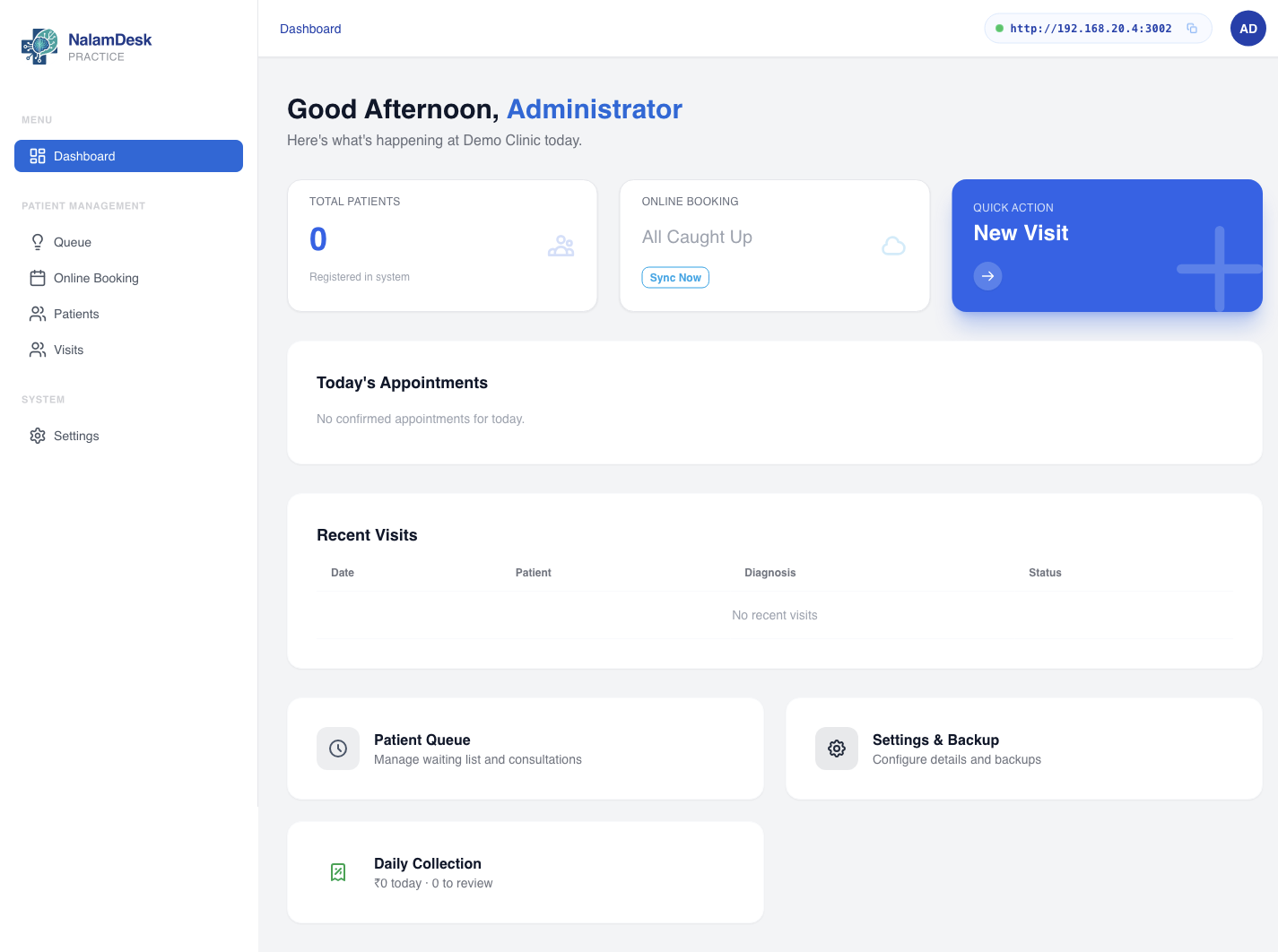 The dashboard surfaces the queue, visits, and the Daily Collection card.
The Day Close Modal
Header shows the date and the note Derived from payment transactions, not stored totals.
- Collected: the net total for the day.
- By method: one row per payment method and kind, with transaction count. Reversal rows subtract from the net.
- Invoices created: invoices raised today grouped by status, with count and total.
- Needs review: payments that need a human look. A payment lands here when it is a reversal, or when it is a non-cash payment with no reference recorded. Each row shows the receipt number, kind, amount, method, the invoice it belongs to, and the recorded reason if any. Non-cash rows missing a reference are flagged missing ref.
When nothing needs attention, the section reads Clean, nothing to review.
Visit Billing (Invoices, Receipts, Refunds)
Billing lives inside the consultation workbench, next to the Total Fee field, and is visible to admins, doctors, and receptionists.
- Create invoice: allowed only after the encounter is finished. The invoice starts with the clinic's configured consultation fee (when non-zero) plus the visit's charge lines. Totals are computed from the lines; every invoice gets a unique number.
- Record payment: cash, UPI, or card. Amounts must be positive and cannot exceed the balance. Each payment is idempotent and gets a unique receipt number.
- Receipt: open and print any payment's receipt. Reprints carry a DUPLICATE watermark; Print last receipt reprints the latest.
- Refund: reverses a payment in whole or part with a mandatory reason. Refunds appear as reversal rows and land in the day-close review queue. Over-refunds are refused.
- Void: cancels an invoice with a mandatory reason. Invoices with outstanding payments cannot be voided.
Invoices are never edited or deleted. Corrections flow through refunds and voids with reasons, so the ledger always reconciles. The day-close modal verifies exactly that.
Billing Rules Behind It
- An invoice is raised per visit after the encounter is finished. The app refuses to bill an in-progress visit.
- The invoice starts with the clinic's configured consultation fee (which may be zero) plus the visit's charge lines. Totals are computed from the lines; they are never typed in.
- Invoices are immutable. Corrections go through reversals with a recorded reason, which then appear in the review queue. Nothing is silently edited or deleted.
- Days follow the clinic-local timezone, so a payment near midnight counts toward the right clinic day.