Merging Duplicate Charts
When the same person ends up with two charts (a walk-in registered twice, a name spelled two ways), merge them instead of deleting one. Merging moves the full history onto one surviving chart through a preview with a mandatory audited reason, and it is reversible. Only Doctors and Admins can merge.
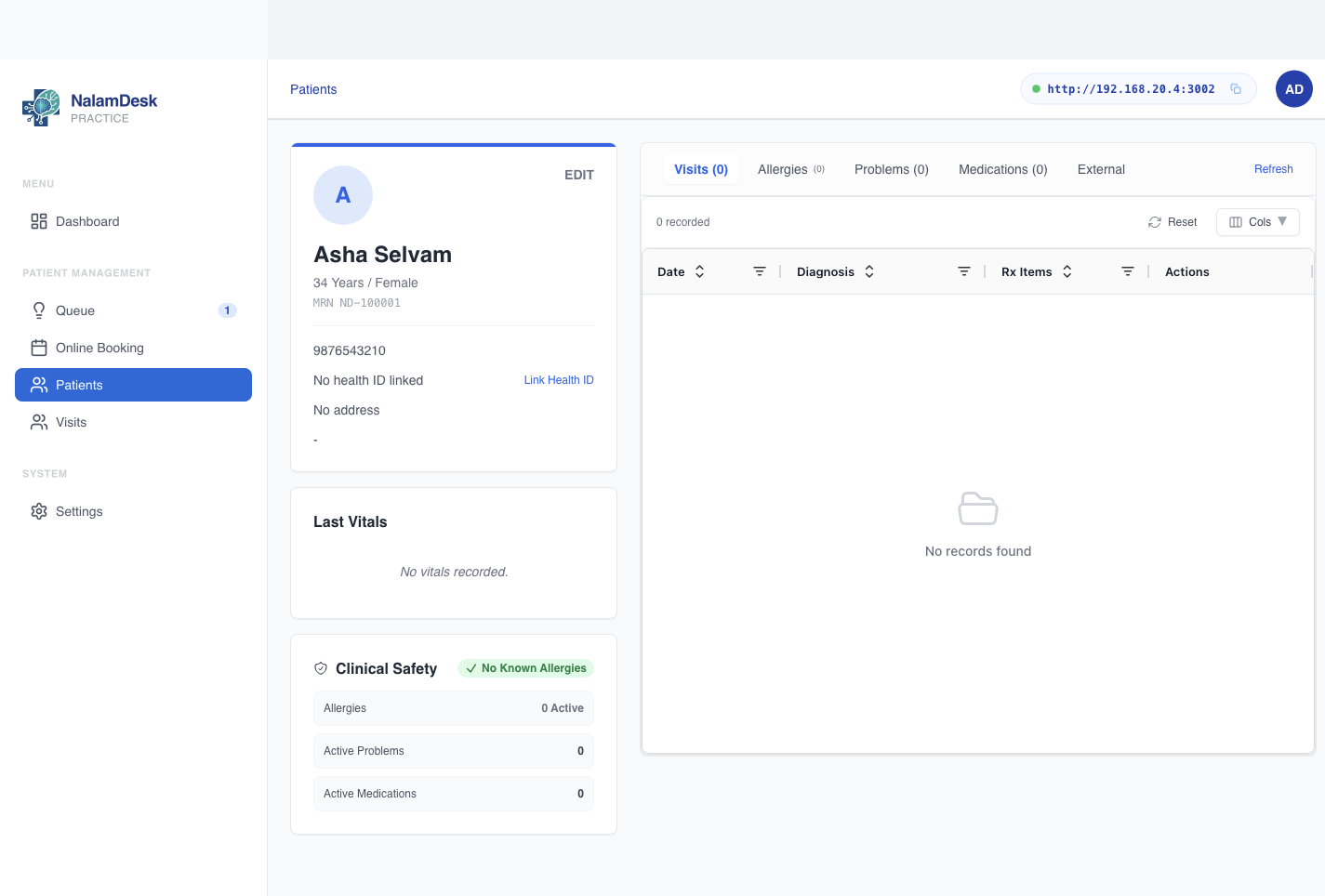 The chart header offers Merge (doctors and admins) next to Start Consultation.
Spotting Duplicates Early
- During New Patient Registration, the form warns about possible existing records (matched by name, mobile, or MRN) without blocking you. Click a candidate to open its chart before deciding.
- The warning never stops a registration: a queue that cannot add a walk-in patient is worse than a duplicate.
Merging Two Charts
- Open the chart you are working from and click Merge.
- Search for the other chart by name, mobile, or MRN (at least 2 characters). Candidates show how they matched.
- Pick the survivor: Keep this chart or Keep the other chart.
- The preview shows exactly what moves: per-record counts of what the
absorbed chart holds. Read the red warnings if any appear:
- A chart with an active in-progress encounter cannot merge. Finish the encounter first. This applies to both charts.
- Two charts holding different health IDs cannot merge. Unlink one first.
- Enter the reason (required, written to the audit trail).
- Confirm Merge charts. The dialog states what happens: history moves to the surviving chart, the absorbed chart stays reachable, and the merge is reversible.
Undoing a Merge
A merged-away chart shows an Unmerge button. Confirming moves its history back and clears the merge link. The merge itself stays in the audit trail permanently: unmerging reverses the data, never the record that it happened.
Archiving vs Merging
Archiving is for charts that should leave the active list without losing history (moved away, deceased, entered in error and replaced). Admins, doctors, and receptionists can archive a chart with a recorded reason; unarchiving restores it. Archive when the chart itself is unwanted; merge when two charts describe the same person.